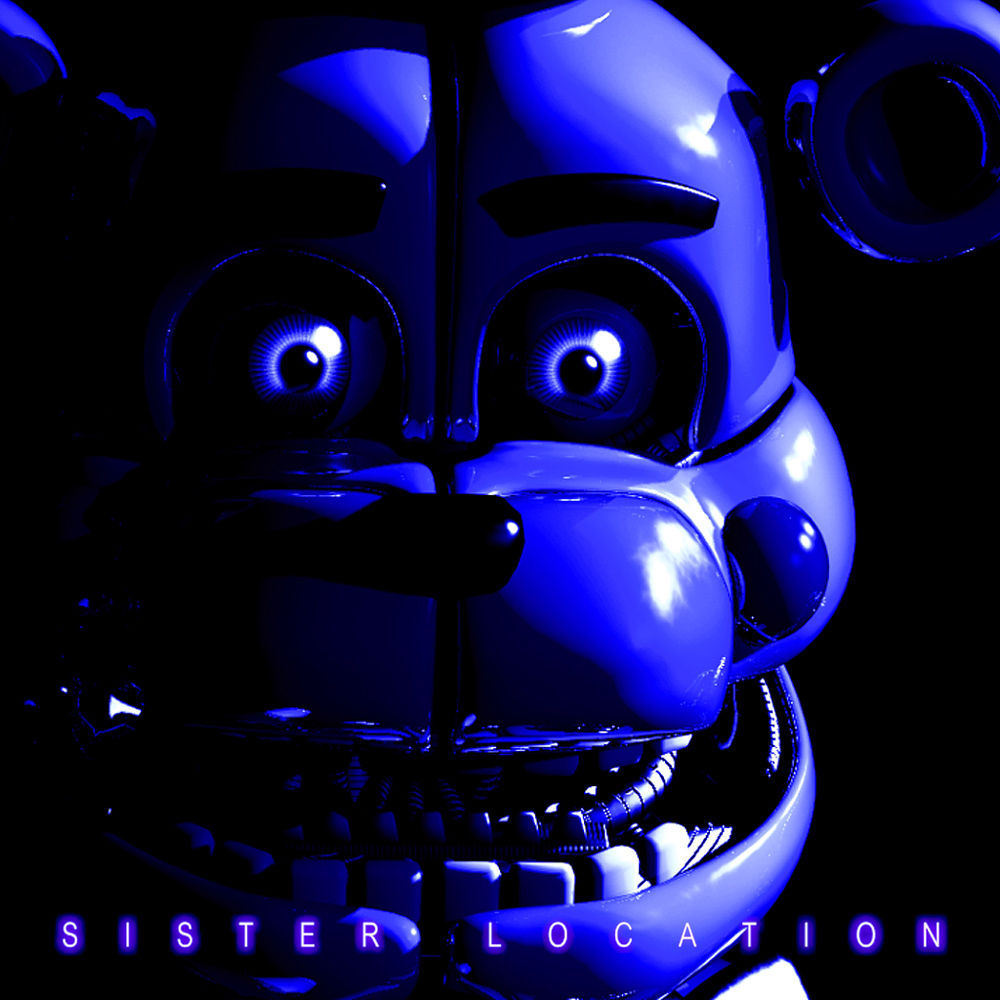
Play FNAF 5: Sister Location in your browser
This page embeds the Pizza Edition browser version of FNAF 5: Sister Location. Start the player above, then follow the game's own opening sequence and menu. The Pizza Edition listing marks this game PC only, so a desktop browser with a keyboard and mouse is the recommended setup.
What happens in Sister Location?
Instead of staying in one security office, this entry sends you through a series of maintenance tasks around the facility. The browser version begins in an elevator, then moves into vent routes and control areas involving Ballora, Funtime Foxy and Circus Baby. Later sections introduce the Breaker Room and Funtime Auditorium.
Each room has its own procedure. You may need to inspect a stage with the light, use a control-panel action when it becomes available, restart systems one at a time, or move through a dark area while watching and listening for danger cues.
How to start
- Select Play on the cover above.
- Click inside the embedded game so it receives your keyboard and mouse input.
- Let the opening sequence reach the menu, then choose New Game.
- Follow the recorded instructions and wait for each interaction to finish before trying the next control.
The opening introduction takes a little time in this browser version. If the screen is still showing the intro, let it continue rather than repeatedly refreshing the page.
Controls
| Input | Action |
|---|---|
| Mouse / Left Click | Select menu options, use the elevator keypad and operate the light, shock and restart controls. |
| W | Move forward through vents, Ballora Gallery and Funtime Auditorium. |
| Space | Play the mascot response audio in the Breaker Room; use the flash in Funtime Auditorium when available. |
| Release W | Stop moving during the Ballora and Funtime Foxy danger sequences. |
Tips for your first run
- Keep the sound on. Ballora's music is a movement cue, not just background audio.
- In Ballora Gallery, move in short stretches. Release W when the music becomes loud, wait for it to fade, then continue.
- Complete the Breaker Room restart entries one at a time and let each progress sequence finish.
- In Funtime Auditorium, use the flash to check the dark path before moving farther. If Funtime Foxy is visible, stop and wait.
- If keyboard input stops responding, click inside the game area again to return focus to the player.
Browser version and content notice
This is a third-party browser embed supplied by Pizza Edition. It is not a claim that the original game publisher operates this page, and it may not match every feature or release of the installed game. Pizza Edition lists the browser version as PC only. The game contains horror imagery, flashing scenes, loud sounds and jump scares; the source listing recommends it for ages 16 and over and notes cartoon violence, blood and injury scenes.
If the embed does not load, check whether Pizza Edition is reachable on your network and try again later.
Want the entry before Sister Location? Play FNAF 4 in your browser.