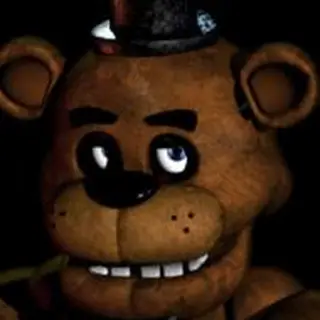
Play Dayshift at Freddy's in your browser
This page loads the Dayshift at Freddy's browser version through Miniplay's public embed. Press Play, wait for the title menu, then click New Game. We checked it on frickbears.app on November 27, 2026: the menu (New Game, Continue, Options, "Created by DirectDoggo") appeared after about 20 seconds, and New Game opened Monday 23/06/87 with Phone Guy greeting you in the pizzeria's shop.
What is DSaF?
Dayshift at Freddy's is a fan-made parody of Five Nights at Freddy's by DirectDoggo, built in RPG Maker MV. You get the day shift instead of the night shift, so the game is mostly a visual novel full of absurd conversations, oddball tasks and running jokes about the FNAF fandom. It started a trilogy: see Dayshift at Freddy's 2 and Dayshift at Freddy's 3.
How to start
- Press Play on the cover above.
- Click New Game on the title menu.
- Click inside the picture to move through each line of dialogue.
Controls
| Input | Action |
|---|---|
| Mouse click | Choose menu items; advance dialogue |
| Enter | Confirm (RPG Maker default) |
| Arrow keys | Move and select (RPG Maker default) |
Tested on November 27, 2026: mouse clicks for New Game and the opening dialogue. Enter and the arrow keys are standard RPG Maker MV controls that we did not verify inside this embed. Saving and touch play were not tested.
Tips
- Click inside the game first so it receives your input.
- Read everything. Most of the fun is in the jokes.
- The Miniplay player trims a little off the top and bottom of the picture; Fullscreen under the player gives more room.
About this version
The player comes from Miniplay and is not hosted by the creator. Content warning: crude humour and strong language. More games here: FNAF, FNAF 2 and the fan game Frickbears 3.